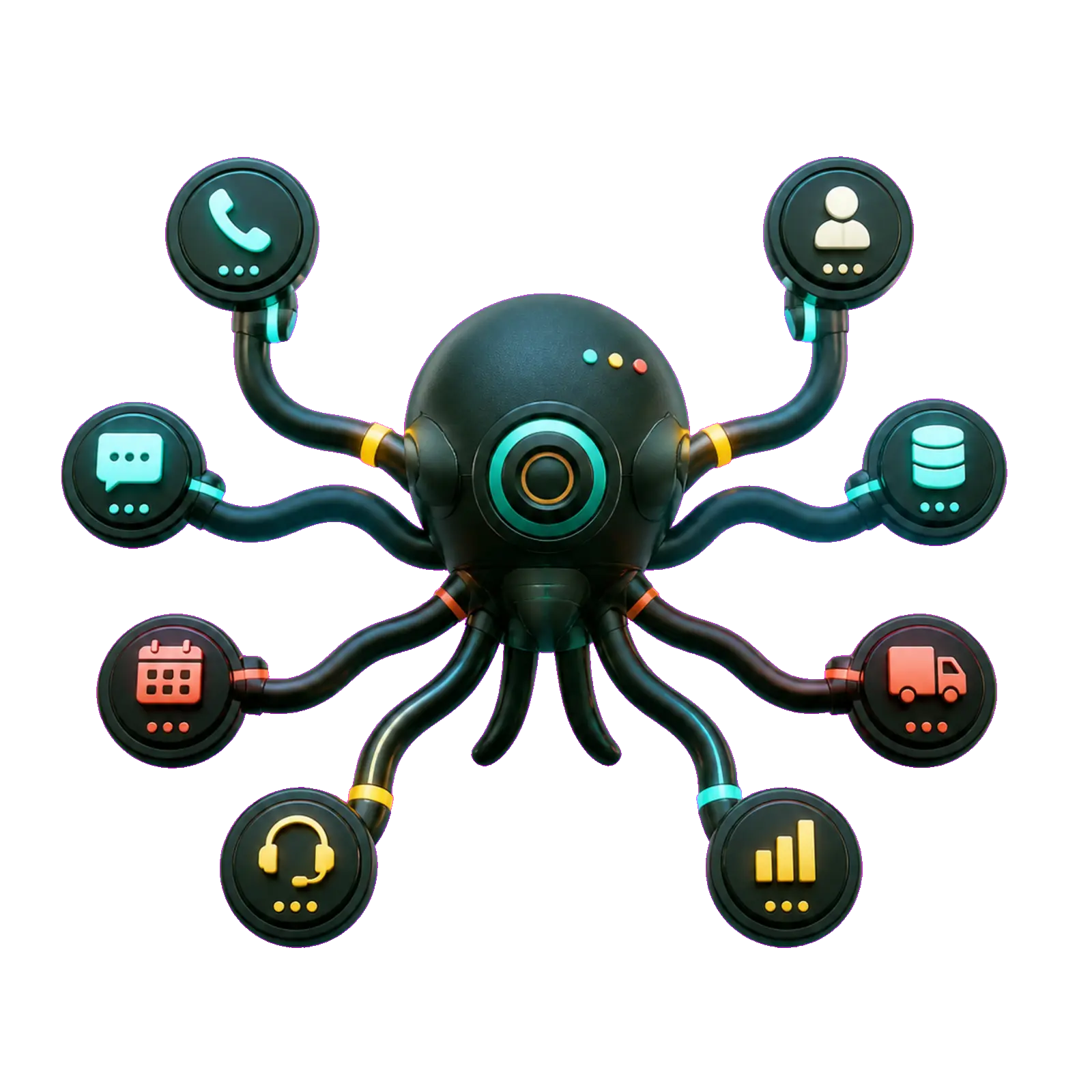
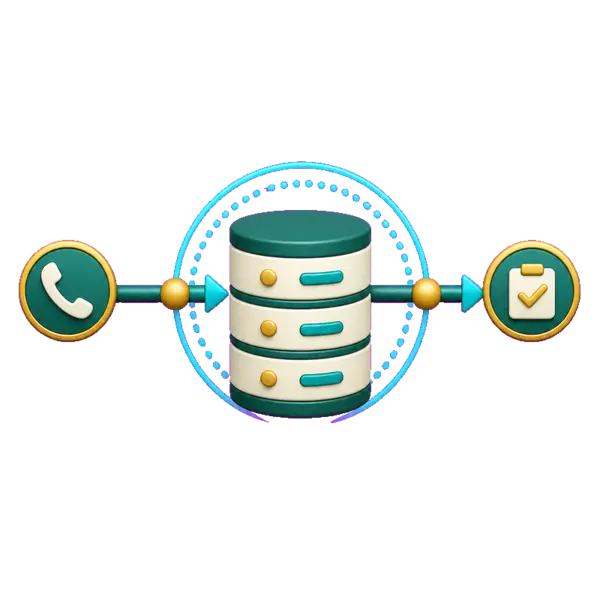
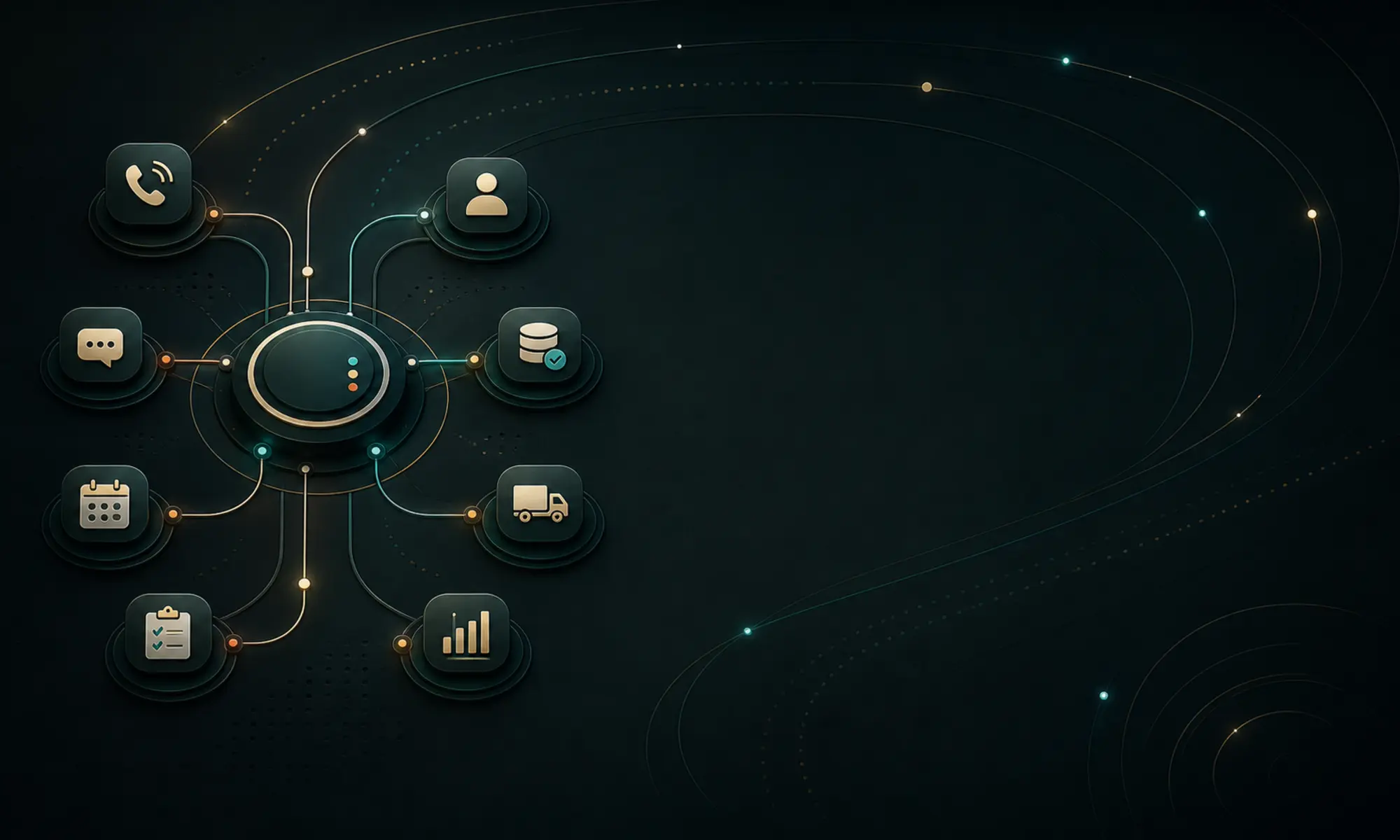
Not a logo wall. This is the operational range OctoOps installs: capture, routing, booking, CRM writeback, follow-up, reporting, safeguards, and human handoff across the businesses where the phone drives revenue.
Home services— After-hours emergency capture and routing
Legal intake— Approved-script intake with human review
Clinics— Booking requests and callback scheduling
Property services— Request triage into dispatch or follow-up
Appointment teams— Consultation booking and reminders
Dispatch operations— Urgent versus routine classification
Multi-location operators— Route callers to the right location
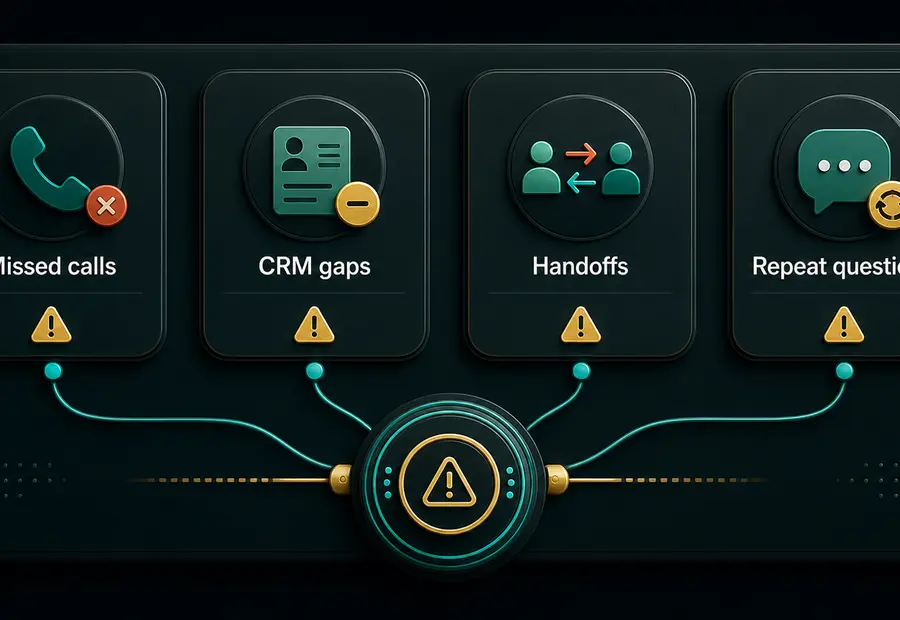
Most service businesses do not have a demand problem first. They have a response problem. Calls arrive while staff are busy, and preventable leakage follows.
Missed calls from high-intent prospects
Slow replies after forms, ads, referrals, and Google Business Profile inquiries
Leads scattered across notebooks, voicemail, inboxes, texts, and disconnected tools
Routine questions eating front-desk time
Urgent calls mixed in with low-priority requests
CRM records with no useful context for the next follow-up
If a customer is ready to call, they are ready to choose. The business that responds first usually has the advantage.
One operating layer around the phone
01Answer and capture
AI voice and missed-call recovery answer routine inquiries, collect key details, and keep prospects engaged when your team cannot pick up.
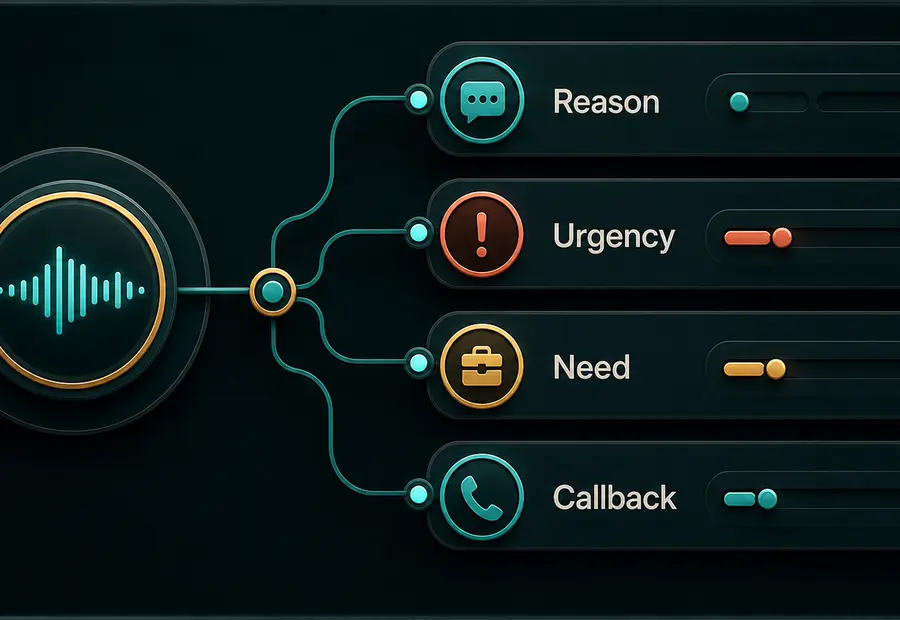
02Qualify and route
Identify the reason, urgency, location, service need, and callback preference, then route the request to the right person or workflow.
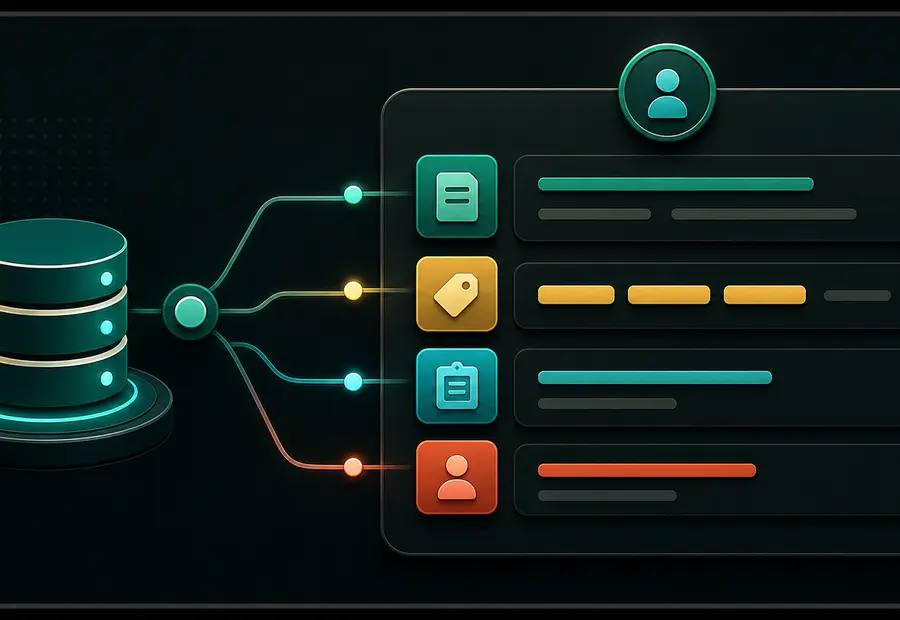
03Update the source of truth
Summaries, outcomes, contact fields, booking details, tags, and tasks are written back to your CRM, calendar, dispatcher, or inbox.
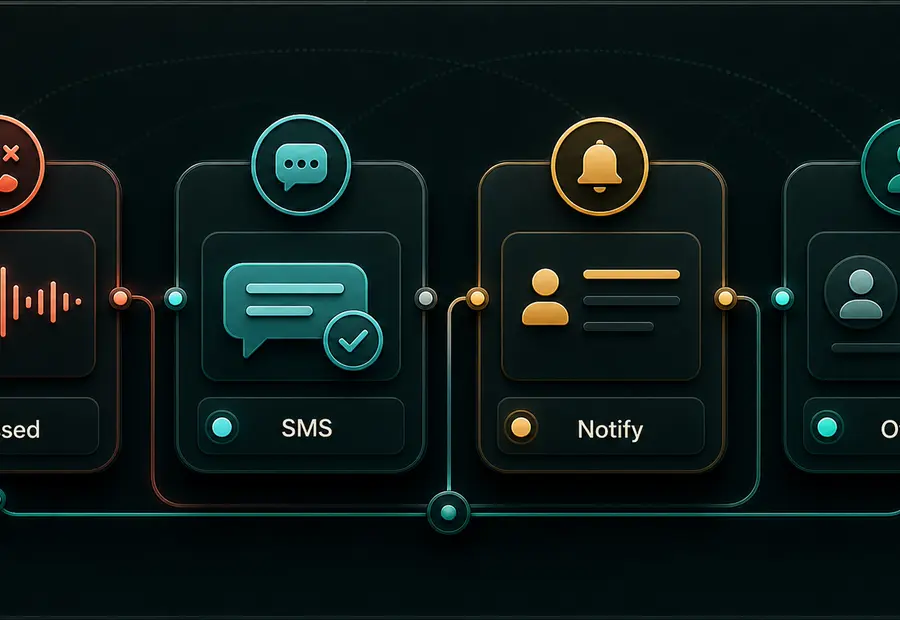
04Follow up automatically
SMS, email, tasks, callbacks, reminders, and reporting workflows keep qualified opportunities from going cold.
Connects to the tools you already run
Twilio
RetellAI
ElevenLabs
n8n
Make.com
GoHighLevel
HubSpot
Jobber
ServiceTitan
Clio
Airtable
Slack
What we build
Practical AI systems for real operations
We do not add AI for the sake of AI. Each build is a dependable operating system for one part of your phone workflow, installed with human guardrails.
01
AI receptionist and missed-call recovery
Answer routine inquiries, collect key details, classify urgency, and notify staff when your team cannot pick up immediately.
Inbound AI call answering
Missed-call SMS text-back
After-hours lead capture
Urgent versus routine classification
Warm transfer rules
Call summaries and staff notifications
02
Booking, dispatch, and intake workflows
Turn calls into clean next steps for estimates, appointments, service routing, or callback tasks.
Estimate request collection
Appointment or consultation booking
Dispatch triage and service-area checks
Legal intake fact capture
Multi-location routing
Calendar, CRM, or FSM writeback
03
CRM and follow-up infrastructure
Write summaries, tags, tasks, and outcomes back to the systems your team already uses.
CRM field and tag architecture
Pipeline and opportunity updates
Contact creation and deduplication
Follow-up task creation and no-answer retry logic
Quote and estimate follow-up
Dashboard and reporting views
04
Fractional AI operations
Audit, design, build, test, measure, and expand AI workflows with human guardrails.
AI workflow audits and automation roadmap
Vendor and tool selection
Multi-agent workflow design
Internal operating dashboards
Staff training and handoff
Governance, access, retention, and escalation standards
We install systems that make the business faster, clearer, and easier to operate.
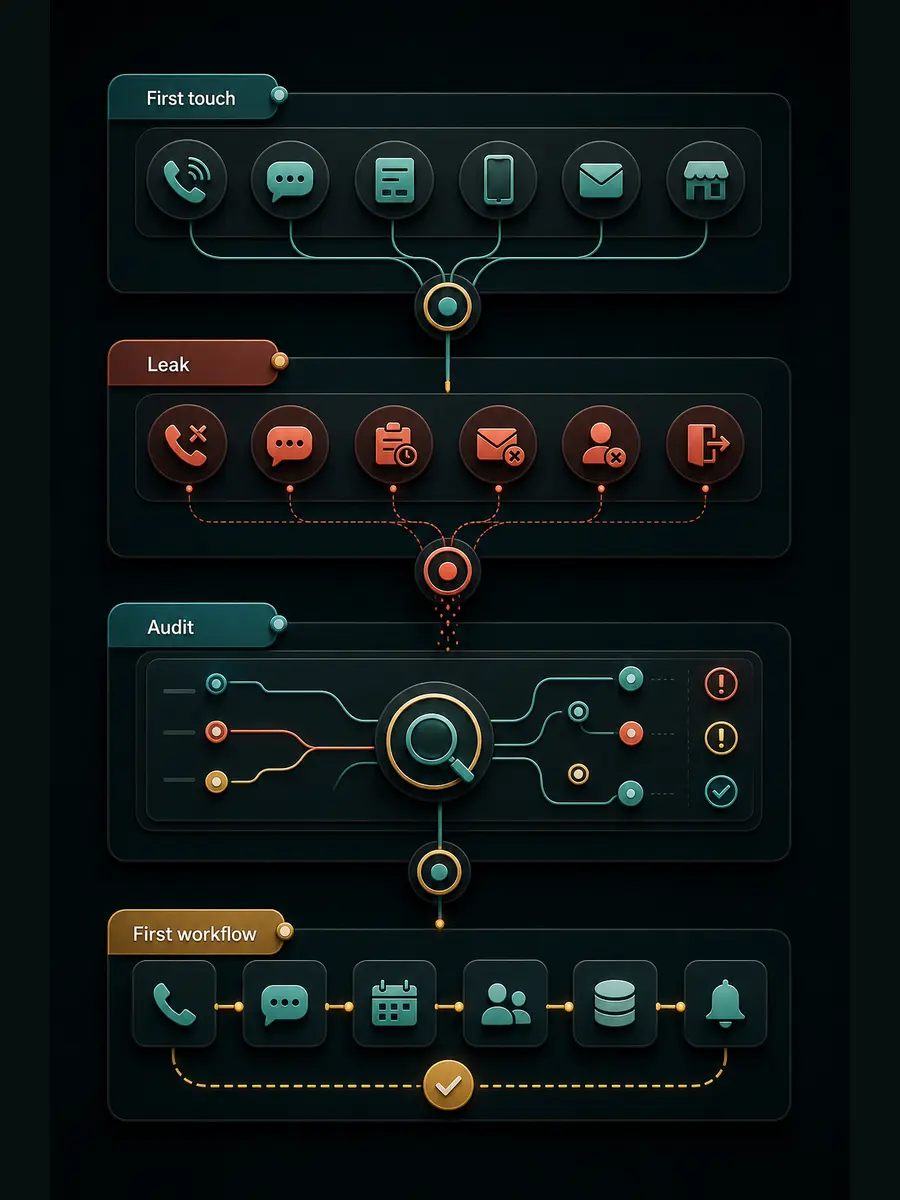
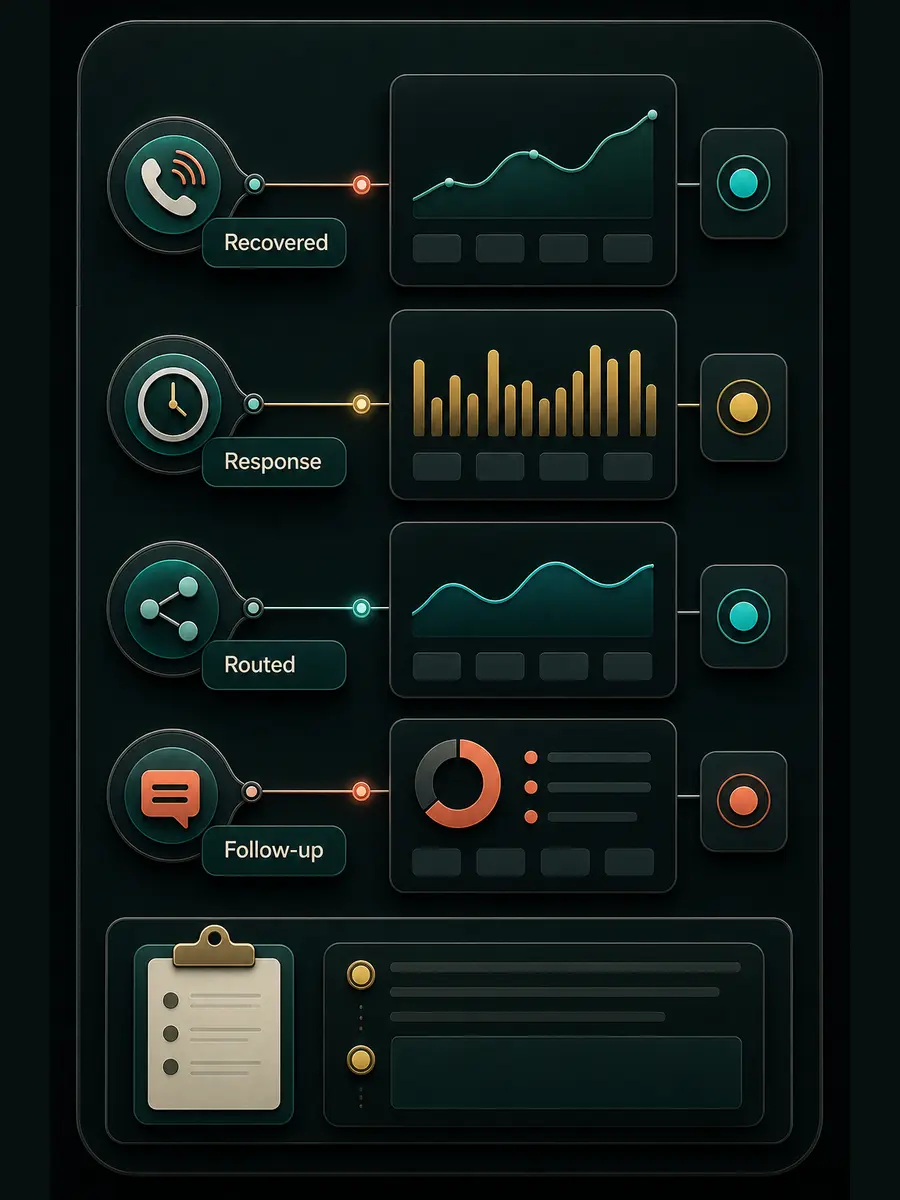
Four stages take you from diagnosis to a tested, measurable phone workflow. These are productized examples of what we install, not client case studies.
Workflow images are productized examples. No card implies verified client results.
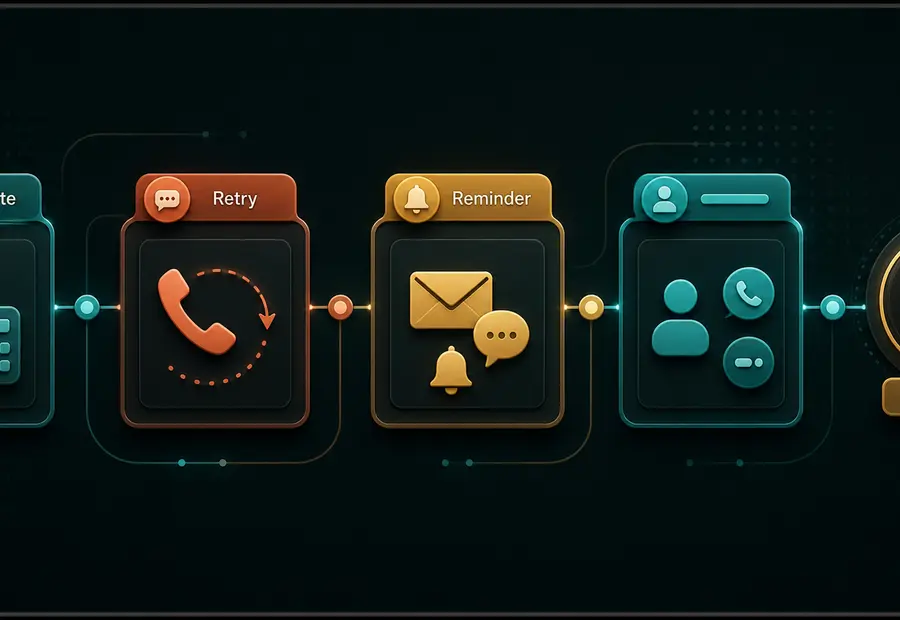
01Workflow map
Response Audit
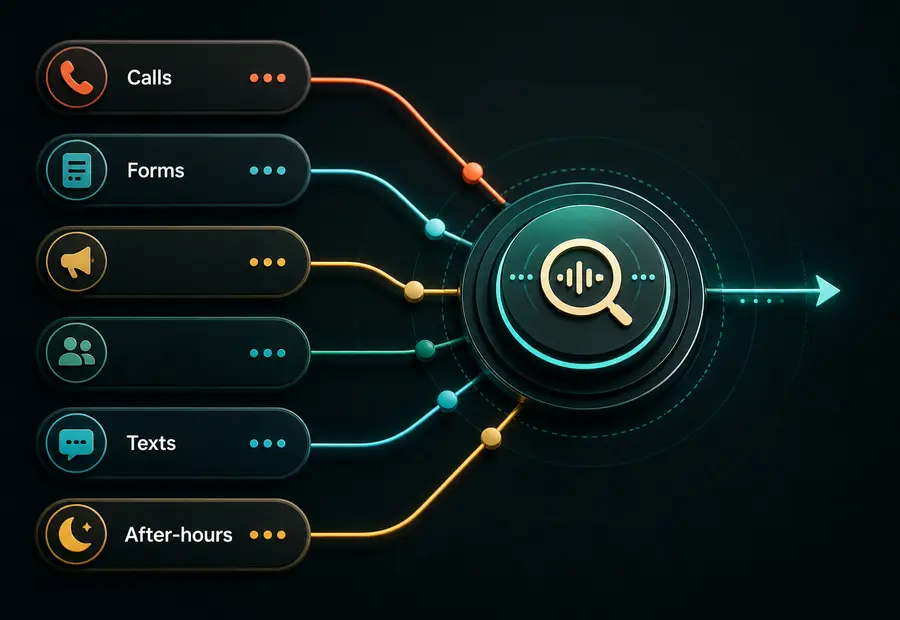
We map how calls, forms, ads, referrals, texts, and after-hours inquiries move through the business today, then find where response is leaking.
Current call and lead-flow review
Bottleneck and missed-call map
Recommended first workflow
Tool and integration plan
02Call flow
AI Phone Launch
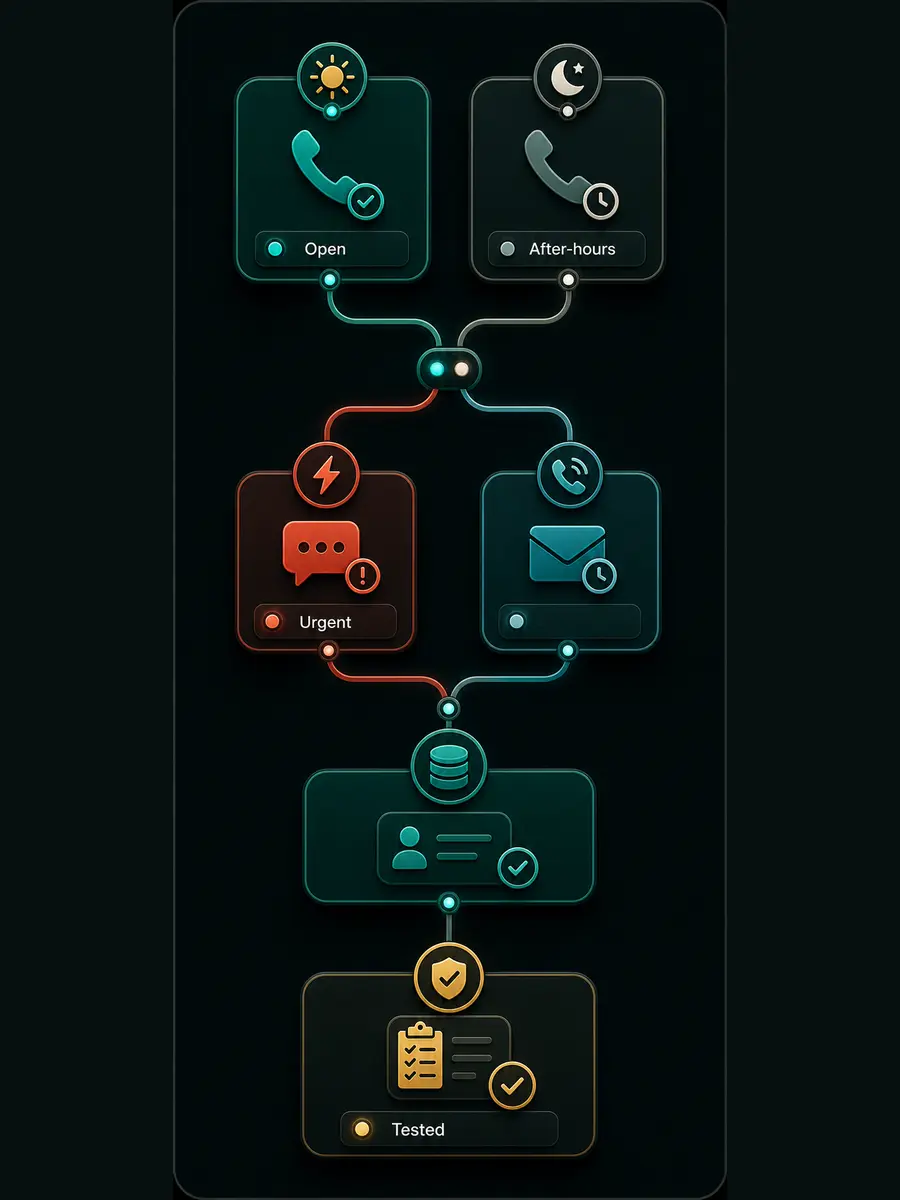
We configure the voice agent, call flow, routing rules, notifications, and testing environment around your actual business process, then test before launch.
AI receptionist and missed-call text-back
Open-hours and after-hours logic
Urgent routing and transfer rules
Launch testing and staff handoff
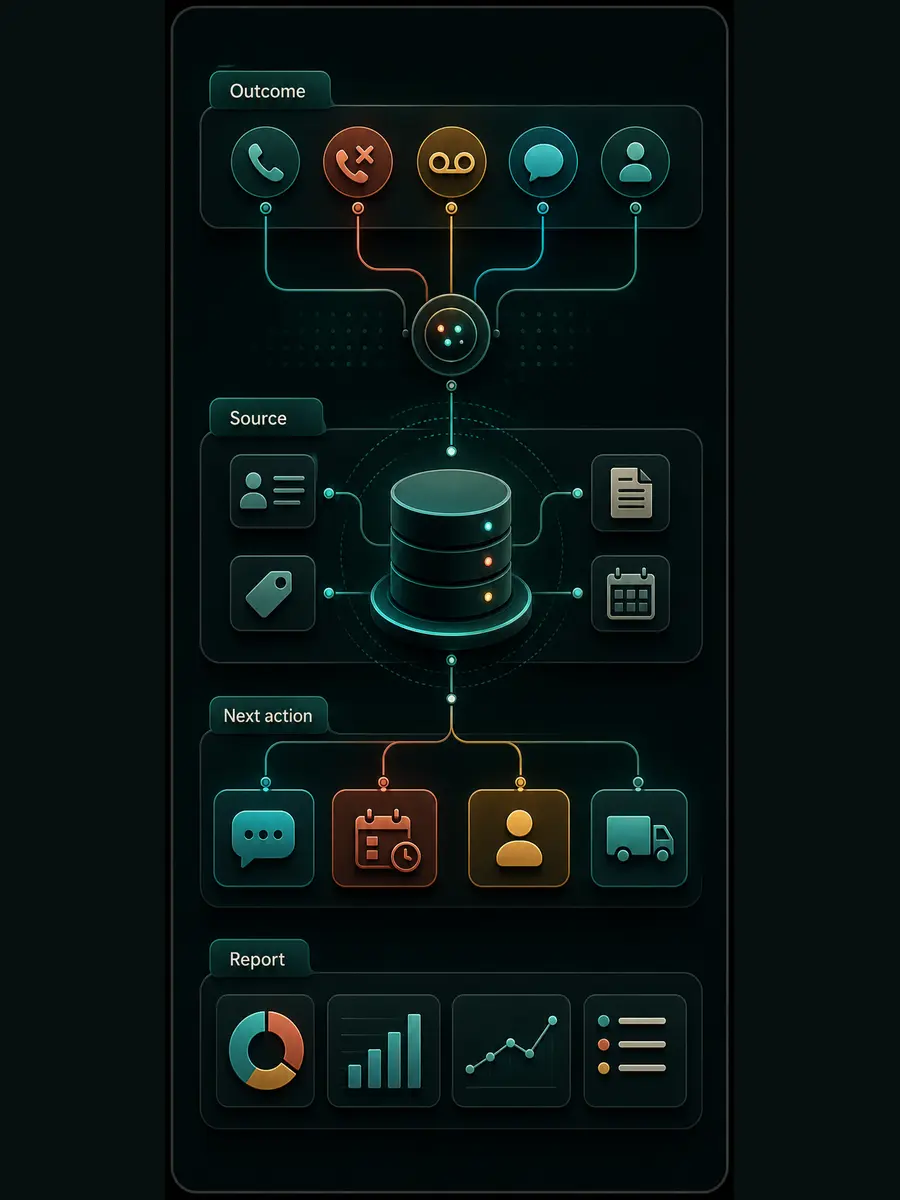
03Source of truth
CRM and Follow-Up
Call outcomes, summaries, tags, tasks, and follow-up sequences are written back to your CRM so qualified opportunities are managed, not lost.
CRM and source-of-truth writeback
Post-call notes and summaries
Follow-up tasks and reminders
Reactivation and reporting views
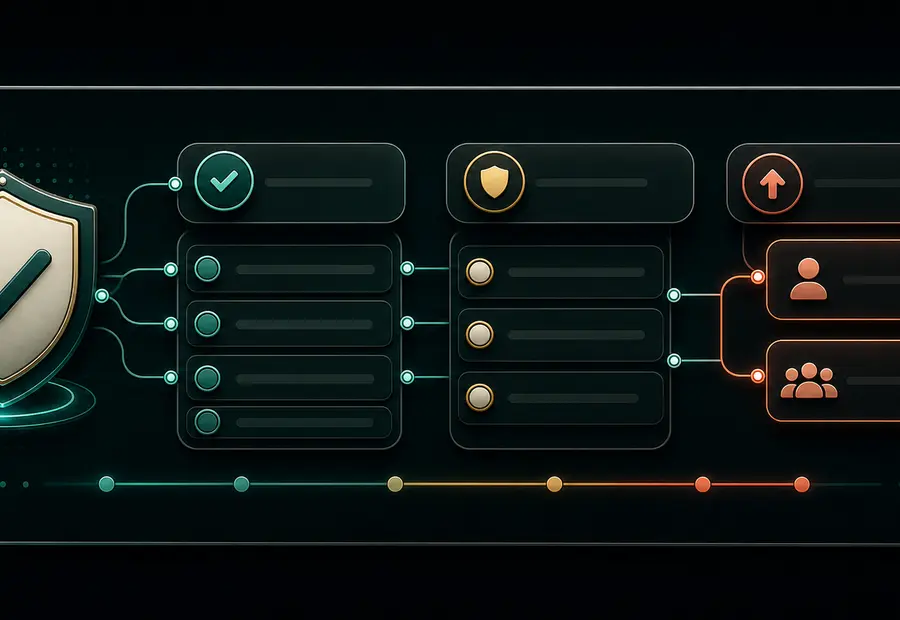
04Guardrails
Safeguards and Measurement
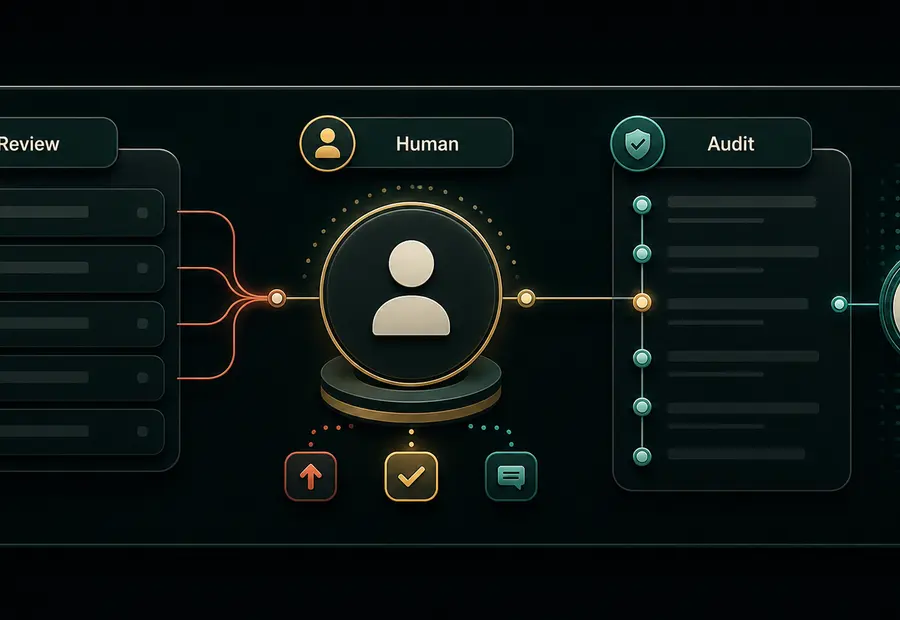
The system handles repeatable intake and routing. Your team keeps ownership of judgment, relationships, and final decisions, with audit trails and human review.
Approved scripts and answer boundaries
Human transfer, callback, and escalation
Recording, retention, and access planning
What we measure after launch
FAQ
Frequently asked questions
Answers on AI behavior, integrations, safety, and the launch process. Still unsure? A response audit is the fastest way to a clear plan.
Does the AI replace our receptionist or sales team?
No. The best use case is support, not replacement. The system handles repetitive intake, routing, summaries, and follow-up so humans can focus on complex conversations, judgment, relationships, and closing.
Can it answer after-hours calls?
Yes. After-hours coverage is one of the strongest use cases. The system can answer common questions, collect callback details, identify urgent requests, send notifications, and trigger follow-up when your team is back online.
Can it book appointments?
Yes, if your calendar, CRM, booking system, or dispatch process supports the right integration. Where direct booking is not appropriate, the system can collect details and create a callback or scheduling task.
What tools can you connect to?
The integration plan depends on your current stack. Common patterns include telephony, CRM, calendar, Slack, email, Google Workspace, Airtable, GoHighLevel, HubSpot, Jobber, ServiceTitan, Clio, n8n, Make.com, Twilio, RetellAI, and ElevenLabs.
Will callers know they are speaking with AI?
Disclosure wording depends on your business, location, call type, and legal requirements. We help configure the technical behavior around the disclosure and consent posture approved by your team or advisor.
What happens when the caller needs a human?
The system can transfer, collect callback details, notify the right person, create a task, or route the caller based on urgency, department, location, business hours, and your approved rules.
Is this safe for legal, healthcare, or regulated businesses?
It can be, but those builds need tighter scope, stricter scripts, clear escalation, data-handling rules, and sometimes compliant vendor or infrastructure choices. Regulated workflows should not be treated like generic call answering.
How long does a launch take?
Timing depends on scope, tool access, and integration complexity. The first launch should focus on one useful workflow, then expand after real calls prove the flow.
What do you need from us?
You usually provide tool access, business hours, call rules, transfer contacts, approved scripts, intake questions, service details, escalation requirements, and a decision-maker who can review test calls and approve launch.
Book audit
Stop losing good opportunities to slow response
If calls, bookings, estimates, or intake drive revenue in your business, your phone workflow should be treated like core infrastructure. OctoOps can map the leak, build the first response system, and expand it into the workflows that keep your operation moving.
Fix the response bottleneck before you spend more on leads
Start with a response audit. Map where calls, bookings, intake, dispatch, CRM updates, and follow-up are leaking, then scope the smallest dependable AI phone workflow worth launching.
Capture more. Respond faster. Miss less. Scale cleaner.